Plug & Play AI Workspaces

Your ideas.
Built by AI.

Pre-built workspaces that turn your AI tools into automated workflows. Describe what you want, watch it get built, deploy it. No code required.

๐Ÿ”— Plug & play AI skills โšก Production-ready code ๐Ÿ› ๏ธ Connected to your real tools

Your idea

โœ๏ธ
Design
โšก
Storage
๐Ÿค–
AI Agents
๐Ÿ”
Auth
๐Ÿ’ณ
Payments
๐Ÿ—„๏ธ
Database
๐Ÿ“ง
Email
๐Ÿ›ก๏ธ
Security
๐Ÿ“Š
Analytics
โšก
Real-time
๐Ÿ”„
Cron Jobs
๐Ÿš€
Deploy

Works with your favorite AI tools

Claude Code Cursor GitHub Copilot OpenAI Codex Windsurf Kimi Code Context7 Playwright Supabase GitHub Vercel Stripe PostgreSQL Resend Claude Code Cursor GitHub Copilot OpenAI Codex Windsurf Kimi Code Context7 Playwright Supabase GitHub Vercel Stripe PostgreSQL Resend

THE REAL COST OF BUILDING WITHOUT A BUILDKIT

395+ Hours.
Before you even ship.

+80hBuilding features from scratch every session
+40hRe-explaining your project because AI forgot
+30hDebugging hallucinated APIs and outdated code
+25hManual deployment, env vars, DNS config
+20hFixing what broke when you added the last feature
+15hSetting up auth, database, payments by hand
+10hGoogling why the AI's code doesn't work
=Weeks gone. Nothing shipped.
$At $50/hr, that's $12,000+ of work.

Now done in hours
with a BuildKit.

For $49.99. Not $12,000.

How it works

Four Steps. Zero Guesswork.

1
๐Ÿ“‚

Open Your BuildKit

Download your BuildKit and open it in Claude Code, Cursor, or any AI coding tool. Your AI reads the workspace and instantly understands the project.

2
๐Ÿ’ฌ

Describe what you want to build

Tell your AI what you want in plain English. "Build me a booking app with payments." No technical knowledge needed.

3
๐Ÿง 

The orchestrator agent plans

Your AI's orchestrator reads the full project context, creates a detailed build plan, and delegates tasks to specialized skill agents โ€” all automatically.

4
๐Ÿš€

Watch it get built

Agents build production-quality code, connect your database, wire payments, test the UI, and start the server. Your app is running in minutes.

Build Flow

Describe It. Watch It Get Built.

You describe what you want. Your AI asks a few product questions โ€” not tech questions โ€” writes a build plan in plain English, and starts building. Full app running on your machine in minutes.

  • Asks about your product, not your tech stack
  • Writes a build plan you can actually read
  • Builds the full app โ€” UI, database, auth, APIs
  • Running at localhost:3000 in minutes and live deploy at anytime
~/build-apps

You: "Build me a client portal with ticket tracking"

AI (reading your BuildKit)

โœ“ Reading CLAUDE.md โ€” project loaded

โœ“ Loading skill: project-starter

โœ“ Creating database tables via Supabase

โœ“ Building dashboard + ticket system

โœ“ Starting server...

Your app is running at localhost:3000 โ€” live deploy anytime

Session Memory

Your AI Remembers Everything

Come back tomorrow and your AI knows exactly what was built, what's pending, and what broke. No re-explaining. No context lost. Every session builds on the last.

  • Session log tracks everything across days
  • Lessons learned carry forward automatically
  • Build plan updates in real time
  • Same mistakes never happen twice
session-log.md

Session Log โ€” Day 3

โœ“ Built dashboard with 4 KPI cards

โœ“ Added user authentication (Supabase)

โœ“ Wired Stripe checkout + webhooks

โœ“ Fixed mobile nav overlap (logged to lessons)

โ†’ Next: Add email notifications

โ†’ Next: Deploy to Vercel

Lessons learned: 3Sessions: 3

Smart Debugging

Say What's Wrong. It Gets Fixed.

You don't diagnose bugs โ€” you describe them. "The dashboard won't load." Your AI checks the logs, database, and browser, finds the root cause, and fixes it. Then logs the lesson so it never happens again.

  • Describe symptoms in plain English
  • AI checks logs, database, and browser automatically
  • Fix gets applied and verified
  • Root cause logged so it never repeats
debugger

Bug Report

You: "The dashboard won't load"

Diagnosis:

โœ“ Checked server logs โ€” no errors

โœ“ Checked database โ€” connection OK

โœ“ Checked browser โ€” found stale cache

Root cause: Stale Next.js build cache

Fix: Cleared .next/ and rebuilt

Status: โœ“ Verified โ€” dashboard loads

โ†’ Logged to lessons.md

One-Click Deploy

Say "Deploy It." That's It.

When you're ready for real users, two words. Your AI runs a security check, connects your hosting, and ships your app to the internet with a real URL anyone can visit.

  • Security check runs automatically before deploy
  • Connects to Vercel via MCP โ€” no CLI commands
  • Live URL in minutes: yourapp.vercel.app
  • Custom domain? Just say "connect my domain"
deployer

You: "Deploy it"

โœ“ Running security check...

  No exposed API keys

  Auth on all protected routes

  Input validation present

โœ“ Pushing to GitHub

โœ“ Deploying to Vercel

โœ“ Setting environment variables

โœ“ Verifying live URL...

โœ… Live at myapp.vercel.app

Built-in Agents

6 Optimized Agents. One Workspace.

Each agent is a proven playbook your AI follows โ€” not random prompting. Planning, project setup, APIs, UI, debugging, deployment. They chain together automatically and get free updates over time.

  • Orchestrator โ€” plans the entire build and delegates to other agents
  • Project Starter โ€” full app from one sentence
  • API Builder โ€” endpoints wired to your real database
  • UI Generator โ€” components verified in a real browser
  • Debugger โ€” finds and fixes bugs with real diagnostic data
  • Deployer โ€” ships to production via Vercel
BuildKit Status

โœ“ Orchestrator Ready

โœ“ Project Starter Ready

โœ“ API Builder Ready

โœ“ UI Generator Ready

โœ“ Debugger Ready

โœ“ Deployer Ready

Agents loaded: 6/6 Free updates: Enabled New agents ship automatically

What you can build

What you'll actually build

Real apps. Real users. Real revenue.
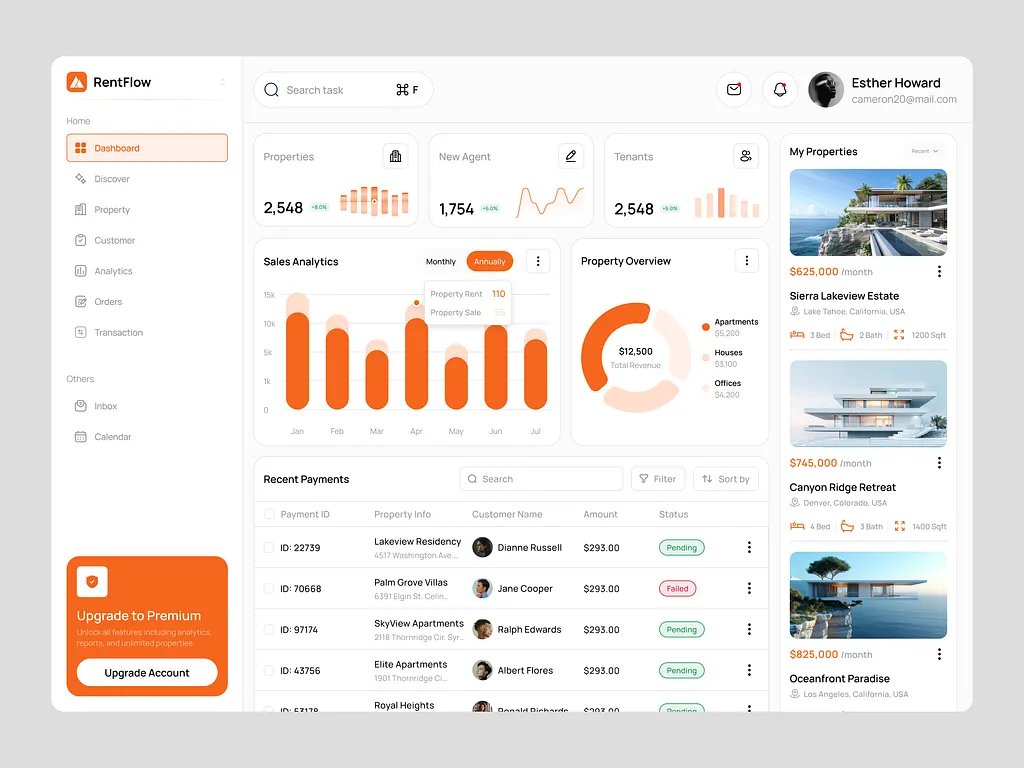
SaaS Dashboard

SaaS Dashboards

Analytics, user management, billing panels. Full admin interfaces.
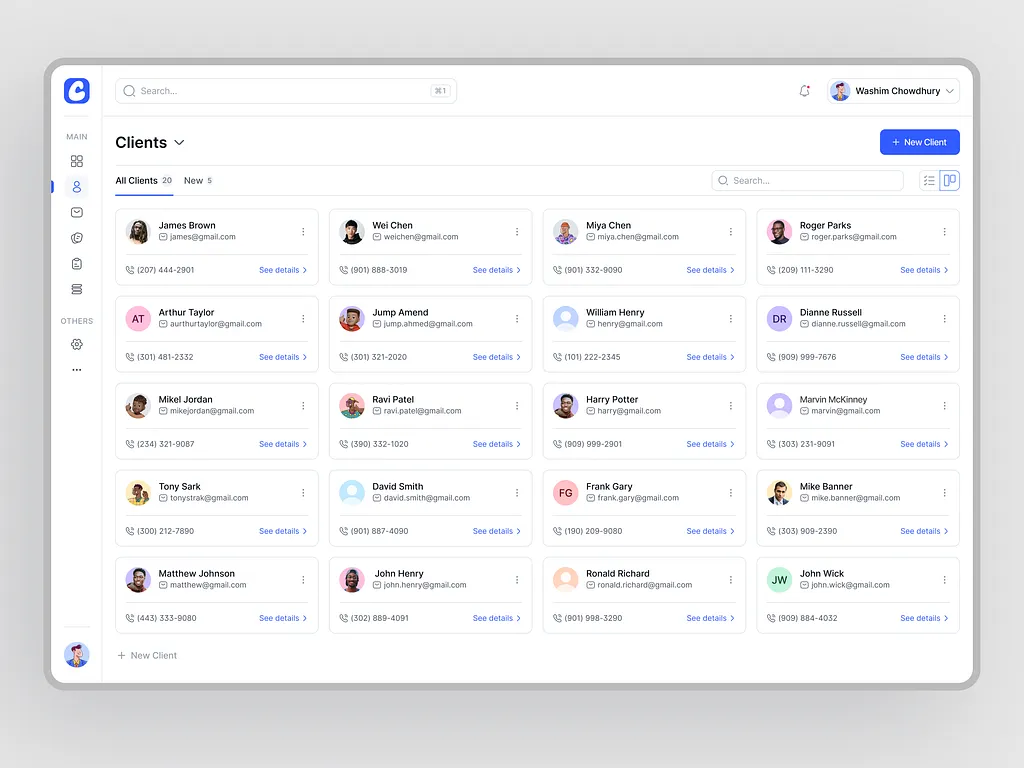
Client Portal

Client Portals

Help desks, ticket systems, booking flows. Customer-facing apps.
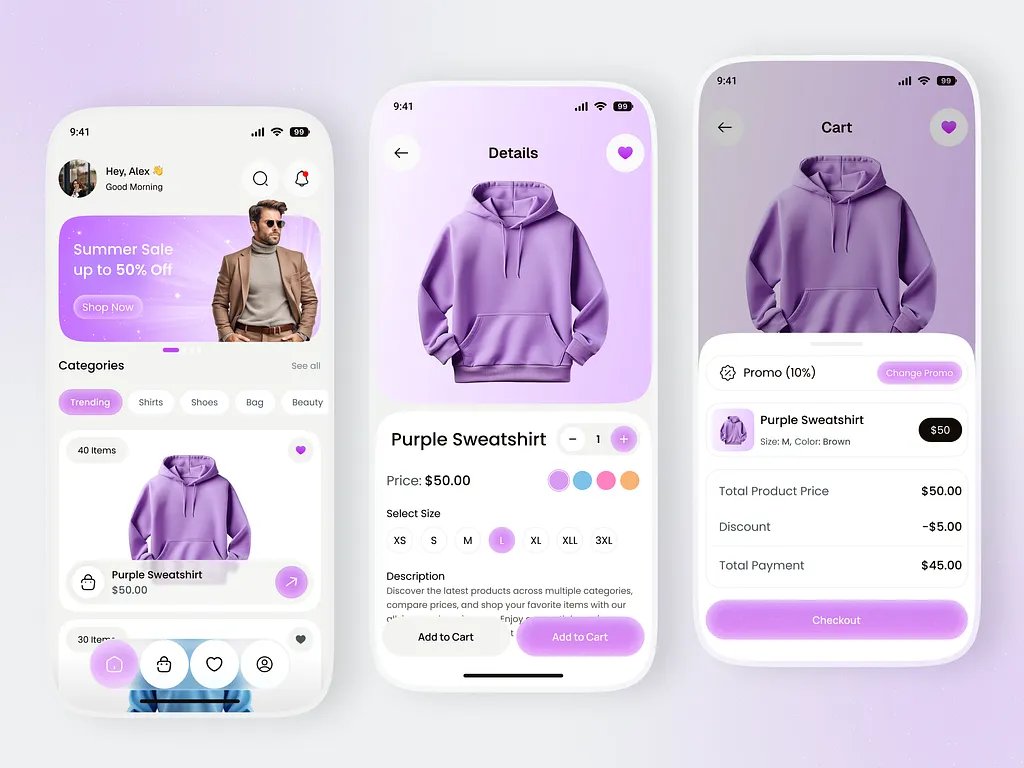
Online Store

Online Stores

Product pages, carts, checkout with Stripe payments.
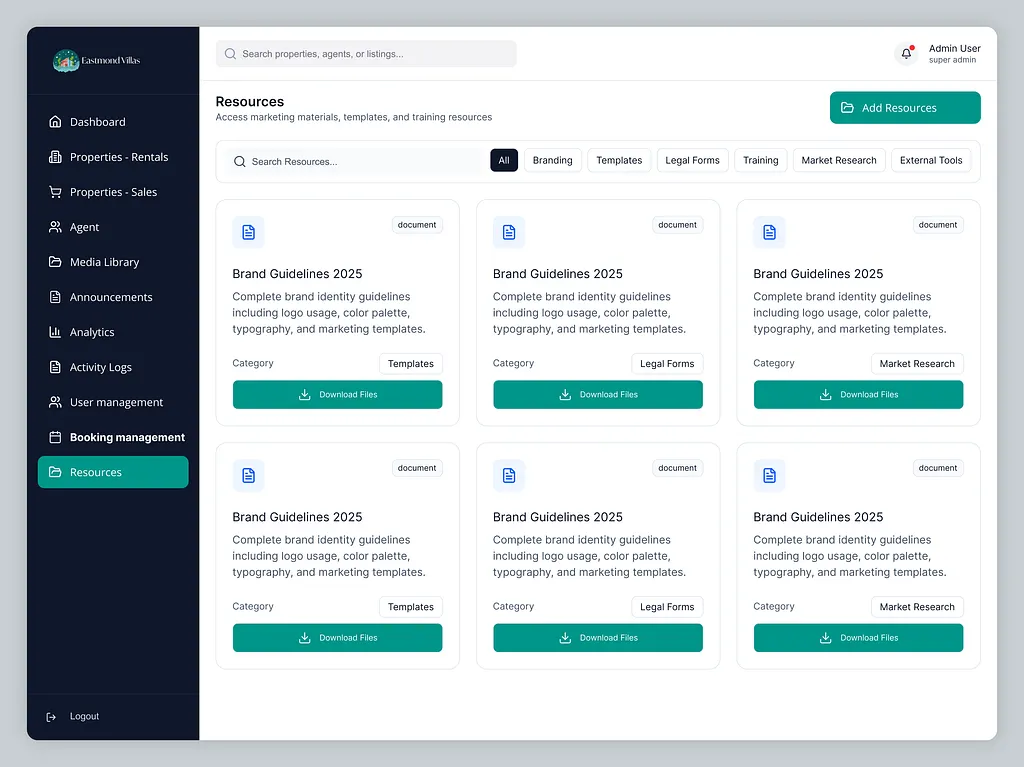
Internal Tools

Internal Tools

CRMs, inventory trackers, project management. The tools your business needs.
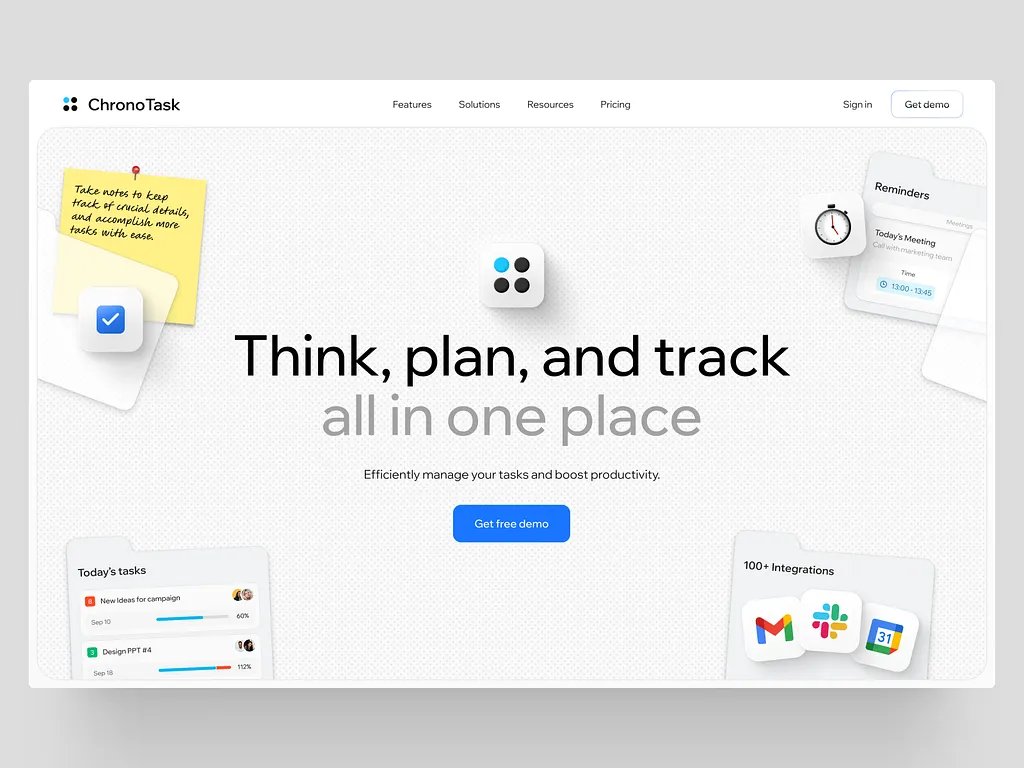
Landing Page

Landing Pages

Marketing sites with CTAs, testimonials, pricing sections. Ship in hours.
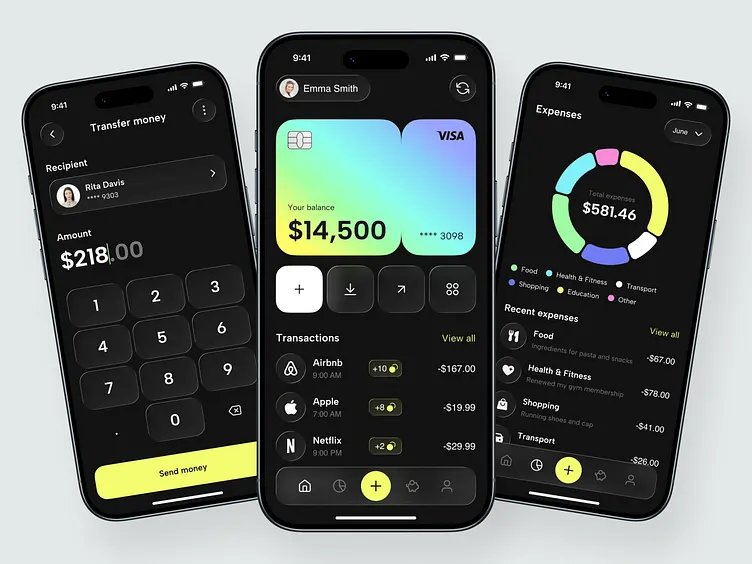
Mobile App

Mobile-Ready Apps

Responsive web apps that work on any device. Add to home screen support.

Our BuildKits

Choose Your BuildKit

Available Now

Build Apps with AI

Go from app idea to deployed software. Build UIs, wire APIs, debug, and deploy โ€” all guided by AI that follows a proven playbook.

SaaSWeb AppsAPIsDashboardsAny Stack
$69.99$49.99-29%
Get This BuildKit โ†’
Coming Soon

E-Commerce Automation

Run your Shopify store from one screen. Manage ads, email marketing, inventory, revenue reports, and customer retention.

ShopifyMeta AdsKlaviyoStripeGoogle Ads
$99.99
Coming Soon
Coming Soon

Automated Trading Bot

Build a trading bot that fetches market data, generates signals, executes orders, manages risk, and reports performance.

Market DataSignal GenOrder ExecRisk Mgmt
$99.99
Coming Soon

Pricing

One Workspace. One Price.

$20 off for early adopters

Build Apps with AI

$69.99$49.99-29%

One-time. No subscriptions. No recurring fees.

What you get

  • Complete AI workspace โ€” ready out of the box
  • 6 optimized agents with step-by-step playbooks
  • 9 MCP server configs with real install commands
  • Context7 + Playwright โ€” free, zero setup
  • GitHub, Supabase, Vercel, Stripe, Resend integrations
  • Universal โ€” Claude, Cursor, Copilot, Codex, Windsurf
  • 40+ ready-to-paste prompts
  • Onboarding system + workspace memory files
  • Free skill updates โ€” your BuildKit gets smarter over time
Get Your BuildKit โ€” $49.99

We hate subscriptions as much as you do.

FAQ

Questions? Answered.

Not even a little. Describe what you want in plain English. Your AI handles file structure, database setup, coding patterns, error handling โ€” everything. The BuildKit tells your AI to never ask you about tech stack or frameworks. Those are its decisions.
Claude Code (recommended), Cursor, GitHub Copilot, OpenAI Codex, and Windsurf. The BuildKit includes config files for each โ€” all with identical content. Pick your tool and go.
It's a folder of structured files that gives your AI a brain. When you open it, your AI instantly understands the project and follows step-by-step playbooks to build what you ask for โ€” instead of giving you random, unstructured code.
Instant download โ€” a zip file delivered by email. Unzip it, open it in your AI tool, and start building immediately. No waiting, no courses, no setup wizard.
No. BuildKits are just folders with Markdown files โ€” no code dependencies, no frameworks, no libraries. When models improve, your BuildKit absorbs the improvements automatically.
Absolutely. Add skills, change rules, customize the structure. It's your workspace, not a locked box.
Good prompting gets you 40% of the way. A structured workspace with skill playbooks, live tool connections, and session memory gets you the other 60%. Your AI follows proven workflows instead of guessing.

Your Vision Is One BuildKit Away

$49.99 once ยท Works with 5 AI tools ยท Free updates forever

One payment. No subscriptions. Build as many apps as you want.